How to use Downtik?
How to download videos with Downtik?
To download your favorite videos with Downtik, simply follow these simple steps:
- Log in to your Tik Tok account from any device.

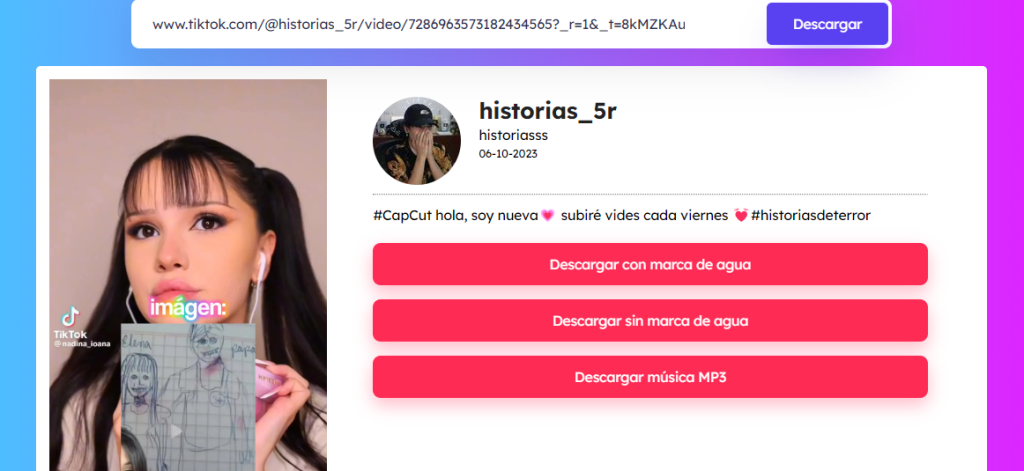
2. Then, you must select the video you want to download and copy the link from the sharing section. This step is easier if you do it in your browser.

3. After copying the link, go to the Downtik platform and paste it into the existing section.

4. Here you can access your files very easily and download them from the platform in the desired format without any annoying watermark.